
Situation
Do I have to give my passcode for a phone repair, and how do I keep my photos private?

Apple says neither Apple nor its authorized service providers will ask for your passcode, though some software support may need you to enter it while you watch. On a Pixel, turn on Repair Mode. On a Samsung Galaxy, turn on Maintenance mode. Both keep your photos and messages out of reach. Back up first, because a repair can still erase the phone.
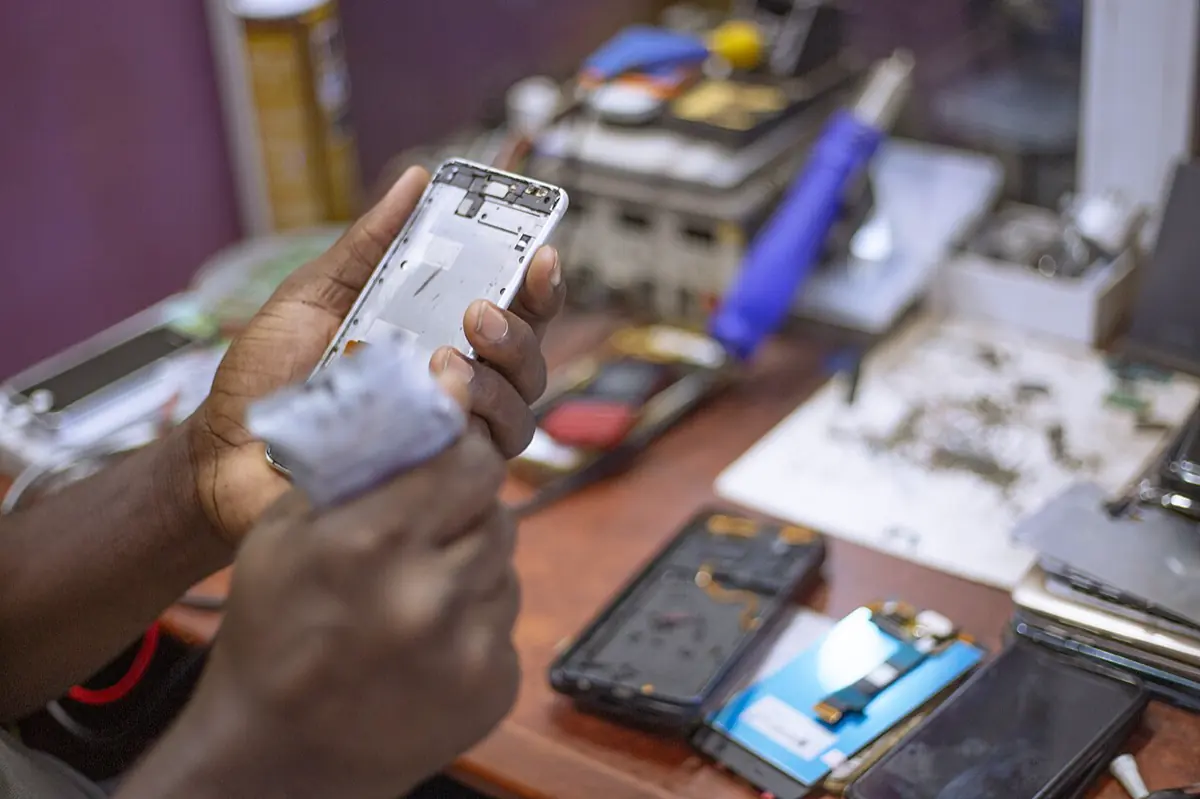
The screen is cracked, or the battery dies by noon, and the phone has to go to a shop. The person at the counter asks for your passcode “to test it”. You think of the photos, the messages and the notes you would never show a stranger. You do not have to choose between a working phone and your privacy. Apple, Google and Samsung each have a way to hand over a phone without handing over what is on it. We checked each step against Apple’s, Google’s and Samsung’s own pages on 2026-10-08.
Should you give the shop your passcode?
Apple is clear for its own stores and partners: “Never give your Apple Account password, device passcode, or account security details to anyone else. Neither Apple nor Apple Authorized Service Providers will ask for this information.” It adds that for some software support, you might enter the passcode yourself, and that you should “always remain present while the technician has access to your device.”
Google says the same for Pixel Repair Mode: enter your code to turn it on, and “do not share the PIN, password, or pattern with the technician.”
An independent shop may still ask. Ask what test needs it, and offer to unlock the phone yourself while you watch. If the phone has to stay overnight, use the repair modes below instead of a passcode.
Before any repair: back up
A repair can erase your phone, whatever mode you use. Apple says that when you get your device back, “your device might have been erased.” Google says that if the repair replaces parts that affect storage, “the technician must delete your device’s data even if you turned on Repair Mode.” Samsung strongly advises a backup for the same reason.
So back up first, and check that the backup finished. On iPhone, Apple asks you to check that the status icon next to Saved to iCloud is green, under Settings, your name, iCloud.
iPhone: Ready for Repair or Trade-In
Apple’s checklist before you bring in an iPhone:
- Back up your iPhone.
- Make sure iCloud has finished syncing.
- Turn off Apple Cash, and remove your cards and passes from Wallet.
- Check Parts and Service History for any part that shows Finish Repair.
- In iOS 27 or later, open Find My, select your device, tap the More button, tap Repair or Trade In, then tap Enable. In iOS 26 or earlier, turn off Find My in Settings, under your name.
Apple’s checklist has no separate repair account like the Android modes below. So the passcode question matters most on iPhone. Keep the passcode to yourself, and stay with the phone during any test that needs it unlocked. If someone already knows your passcode, read what to do when someone knows your passcode.
Pixel: Repair Mode
Repair Mode works on Pixel phones with the Android 14 December 2023 update or later and at least 2 GB of free space.
- Install system updates first.
- Open Settings, tap System, then Repair mode.
- Follow the instructions and enter your PIN, password or pattern.
- Let the phone restart. It is now in Repair Mode.
Google says the phone then “starts a clean Android OS in a dedicated secure partition with limited functions.” When you exit, “any changes you or the repair service make are removed from the device.” Google also suggests you remove the SIM card and keep it with you. To exit, open Settings, tap System, then Repair mode, and enter your code.
Samsung Galaxy: Maintenance mode
Samsung says Maintenance mode “conceals your personal data, including photos, videos, contacts, and messages.” It creates a separate user account with no access to your data, where only built-in apps run.
- Set a screen lock, if you have none. Samsung requires one.
- Open Settings, tap Battery and device care, then tap Maintenance mode.
- To back up first, tap Back up your data. Samsung keeps a temporary Samsung Cloud backup for 30 days.
- Tap Turn on, choose whether to create a log, then tap Restart.
To leave, open Settings, Battery and device care, Maintenance mode, tap Exit, then Restart, and enter your screen lock.
Where York Vault fits
York Vault opens only with its own code, on iPhone and Android. It never falls back to the phone passcode. A technician who has your unlocked phone, or your passcode, still sees a lock screen in York Vault. The lock options page covers the code types.

York Vault backs up every item, encrypted, to your own iCloud on iPhone or your own Google Drive on Android. On iPhone, it keeps your library out of iCloud device backups. So a device backup alone does not bring York Vault back. Open York Vault before you hand over the phone and check that every item shows as backed up. Our backup help page explains the status line, and the encrypted backup page covers the details.
If the shop erases the phone, install York Vault again after the repair. Your code opens the backup, or your recovery key does if your code does not carry over. A restore check counts every item, and vault check and repair shows what it compares.
Selling the phone instead of fixing it? See selling or trading in your phone. Download York Vault for iPhone or Android.
Questions people ask
Does Apple need my passcode to fix my iPhone?
No. Apple says neither Apple nor Apple Authorized Service Providers will ask for your Apple Account password, device passcode or account security details. For some software support, you might be asked to enter the passcode yourself. Apple says to always stay present while the technician has access to your device.
What does Repair Mode on a Pixel do?
Google says Repair Mode starts a clean Android system in a separate secure partition with limited functions. The technician can run tests without your data, and Repair Mode can protect your personal data from unauthorized access. When you exit, any changes made in Repair Mode, including images or files, are removed.
What does Samsung Maintenance mode hide?
Samsung says Maintenance mode conceals your personal data, including photos, videos, contacts and messages. It creates a separate user account that has no access to your data, where only built-in apps run. You need a screen lock to use it, and Samsung advises a backup first, in case the repair needs a reset.
Can a repair shop see my photos?
Anyone who has your unlocked phone can open your photo app. Repair Mode on a Pixel and Maintenance mode on a Samsung Galaxy keep a technician in a separate space without your data. On iPhone, keep your passcode to yourself and stay with the phone. An app with its own code adds a second lock.
Will a repair erase York Vault?
It can, if the shop erases or replaces the storage. York Vault's library is not part of your iCloud device backup, because York Vault backs it up on its own to your iCloud or Google Drive. Check that every item shows as backed up. After the repair, your code or recovery key restores the library.
Sources
- Prepare your iPhone or iPad for a service appointment (Apple Support) · checked Oct 8, 2026
- Use Repair Mode for repair services (Pixel Phone Help) · checked Oct 8, 2026
- Use Maintenance mode on your Samsung Galaxy phone or tablet (Samsung Canada) · checked Oct 8, 2026
- How to use Maintenance mode on your Galaxy phone or tablet (Samsung UK) · checked Oct 8, 2026


